Structured cabling for data centers: Cat6A, Cat7, or fiber (when each one saves you money and when it costs you)
Structured cabling is the part of the data center that receives the least attention and generates the most consequences when it is poorly sized. Replacing poorly planned cable runs costs between five and ten times what it would have cost to do them right at the beginning, and it forces maintenance windows that affect operations for weeks. The choice between Cat6A, Cat7, and single-mode or multimode fiber is the decision that makes the difference between a cabling plant that survives 10 years and one that has to be replaced at year 3.
This article describes the real technical differences between the three categories, their maximum distances and bandwidths, the costs per installed meter in Mexico, when each one is the right choice, and the common mistakes when designing data center cabling. The goal is for the reader to end with a documented decision, not a generic recommendation.
Technical differences between Cat6A, Cat7, and fiber
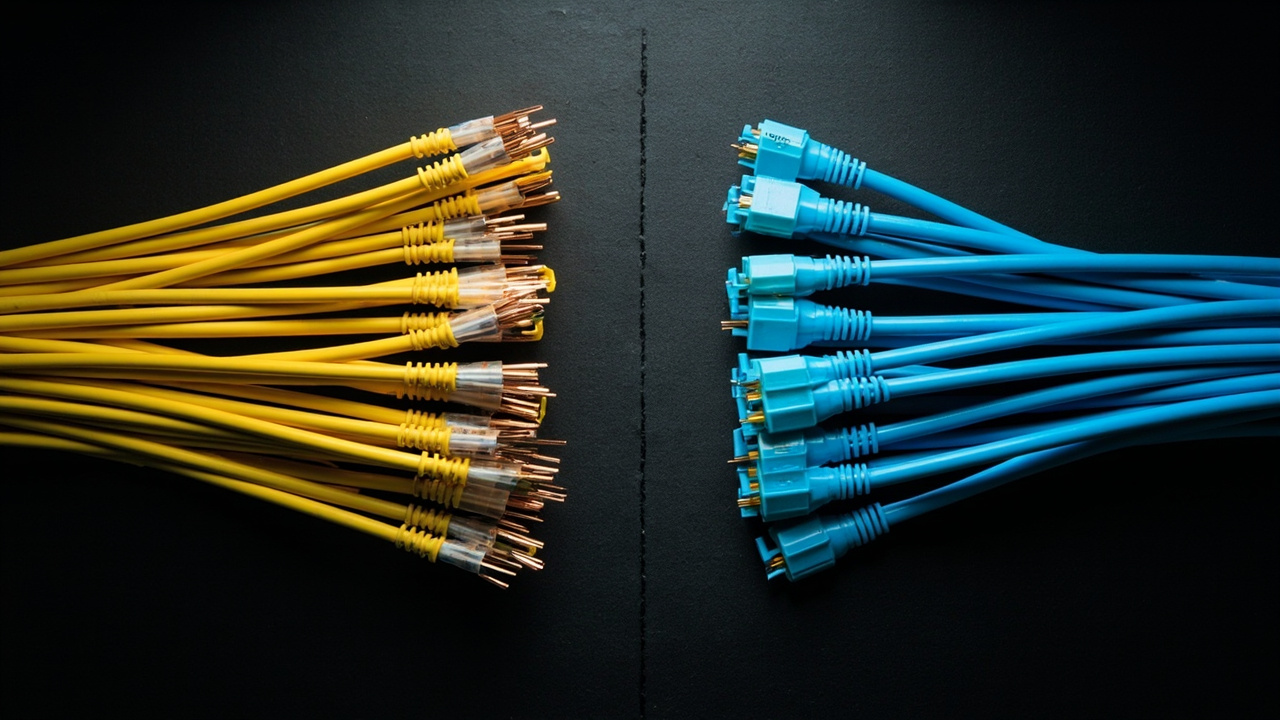
The three categories solve the same physical problem (transmitting data between switches and end equipment) but with very different materials and characteristics. Cat6A (Category 6A, Augmented) is twisted-pair copper cable capable of 10 Gigabit Ethernet up to 100 meters. Cat7 (Category 7) is also copper but with individual pair shielding (S/FTP, Screened Foiled Twisted Pair), capable of supporting 10 Gigabit Ethernet up to 100 meters with additional margin for higher frequencies. Single-mode (OS2) and multimode (OM3/OM4/OM5) optical fiber use strands of glass to transmit light, with capacities ranging from 10 Gigabit up to 400 Gigabit Ethernet and beyond.
The operational differences between the three are a direct consequence of the materials. Copper is susceptible to electromagnetic interference and has absolute distance limitations (100 meters for Ethernet). Fiber is immune to electromagnetic interference, has much lower losses per meter, and supports distances of kilometers without repeaters. But fiber requires optical transceivers at each end (which raises the per-port cost) and rigorous connector cleaning (which raises the operational cost).
Distances, bandwidth, and cost per meter
The following table summarizes the technical characteristics and cost per installed meter for the three categories in a typical data center project in Mexico. Prices are typical 2025-2026 ranges for Latin America, installed in cable trays with certified connectors.
| Characteristic | Cat6A | Cat7 (S/FTP) | Single-mode OS2 fiber |
|---|---|---|---|
| Maximum bandwidth | 10 Gigabit Ethernet | 10 Gigabit Ethernet (margin for 40G with modularity) | 10G to 400G depending on transceiver |
| Maximum distance for Ethernet | 100 meters | 100 meters | up to 10 km |
| Susceptible to EMI (electromagnetic interference) | moderate | low (due to individual shielding) | immune |
| Cost per installed meter (USD) | $4 to $8 | $7 to $12 | $5 to $10 |
| Cost per terminated port | $20 to $40 | $30 to $60 | $100 to $300 (includes transceiver) |
| Installation time per port | 20 to 30 minutes | 30 to 45 minutes | 45 to 60 minutes (more cleaning) |
| Expected useful life | 15-20 years | 15-20 years | 25-30 years |
When Cat6A is the right choice
Cat6A is the right option when the distance to the switch is under 100 meters, the data center operates with mixed compute loads at 1G or 10G speeds, and the budget is limited. Cat6A covers the great majority of the needs of a typical enterprise data center and has the most mature installation ecosystem in the market: any certified technician can terminate a Cat6A patch cord without specialized equipment.
Cat6A loses sense when planning for permanent 25G or 40G growth, when the data center has high electromagnetic interference density (close to industrial machinery, electrical substations), or when the cabling must cross environments with chemicals or vibration that degrade copper faster than fiber.
When Cat7 is the right choice
Cat7 with S/FTP shielding is the right option in environments with high electromagnetic interference (manufacturing, substations, rooms with variable frequency drives) where Cat6A would not provide the necessary signal margin. The individual pair shielding protects each twisted pair from external interference, allowing extremely low error rates even in harsh industrial conditions.
Cat7 loses sense when compared with fiber in total cost: the cost difference between Cat7 and single-mode fiber shrinks as the target speed grows. For speeds of 25G and above, fiber offers better TCO (total cost of ownership) than Cat7, especially because fiber allows replacing transceivers to scale speed without touching the cable. Cat7 is a conservative investment in copper with extra margin; it is not an investment in the future.
When optical fiber is the right choice
Single-mode OS2 fiber is the right option when distance exceeds 100 meters (between buildings, between floors of a campus, or within the same data center for high-speed backbone), when speeds of 25G, 40G, 100G, 400G or above are planned, or when the data center must meet TIA-942-C (Telecommunications Infrastructure for Data Centers) certifications for Tier III or IV levels. Fiber is the infrastructure that scales best over five to ten years.
Fiber loses sense when the data center is small, has no expectation of significant growth, and the technical staff has no experience with fiber termination. Fiber installation and maintenance requires specialized tools (fusion splicer, OTDR, inspection microscope) and specific training. If the in-house team does not have that capability, the hidden cost of depending on the vendor for every change greatly exceeds the savings of Cat6A or Cat7.
Common mistakes when designing structured cabling
Five mistakes account for the majority of cabling designs that end up costing much more than planned. Recognizing them before signing the installation contract avoids costly rewrites.
- Undersizing the number of runs: sizing only the active connections of the moment, without leaving empty (service) runs for future growth, forces opening trays and pulling new cable every time a rack is added. The practical rule: pull at least 30% more runs than needed at inauguration.
- Mixing cable categories without documenting them: using Cat6A on one patch panel and Cat7 on another, without clearly labeling, leads to errors when the technician tries to replace a patch cord with the wrong category and degrades the signal without knowing why.
- Ignoring cable tray routes: pulling cable along the shortest path on the plan, without verifying the capacity of existing trays, leads to rapid saturation and costly re-pulling. Cable trays must be sized with 40% free capacity after the first pull.
- Not certifying runs after installation: assuming the cable works because the switch shows link up is not the same as certifying that it meets the promised category. A cabling certifier (Fluke DTX, etc.) measures continuity, attenuation, NEXT (Near-End Crosstalk), and return loss for each run.
- Forgetting physical labeling: unlabeled patch panels at both ends lead to operational errors when a technician connects or disconnects the wrong cable. Each run must have a label at both ends, with the number matching the port on the patch panel.
Sources
[1] TIA-942-C — Telecommunications Infrastructure for Data Centers — https://tiaonline.org/product/tia-942-c/
[2] IEEE 802.3 — Ethernet Working Group — https://www.ieee802.org/3/
[3] Wikipedia — Category 6 cable (background reference) — https://en.wikipedia.org/wiki/Category_6_cable
[4] Wikipedia — Category 7 cable (background reference) — https://en.wikipedia.org/wiki/Category_7_cable
[5] Wikipedia — Structured cabling (background reference) — https://en.wikipedia.org/wiki/Structured_cabling
Want to master this?
Noxtel Academy →