When to migrate from perimeter CRAC to in-row cooling: 5 signs your data center has outgrown its capacity
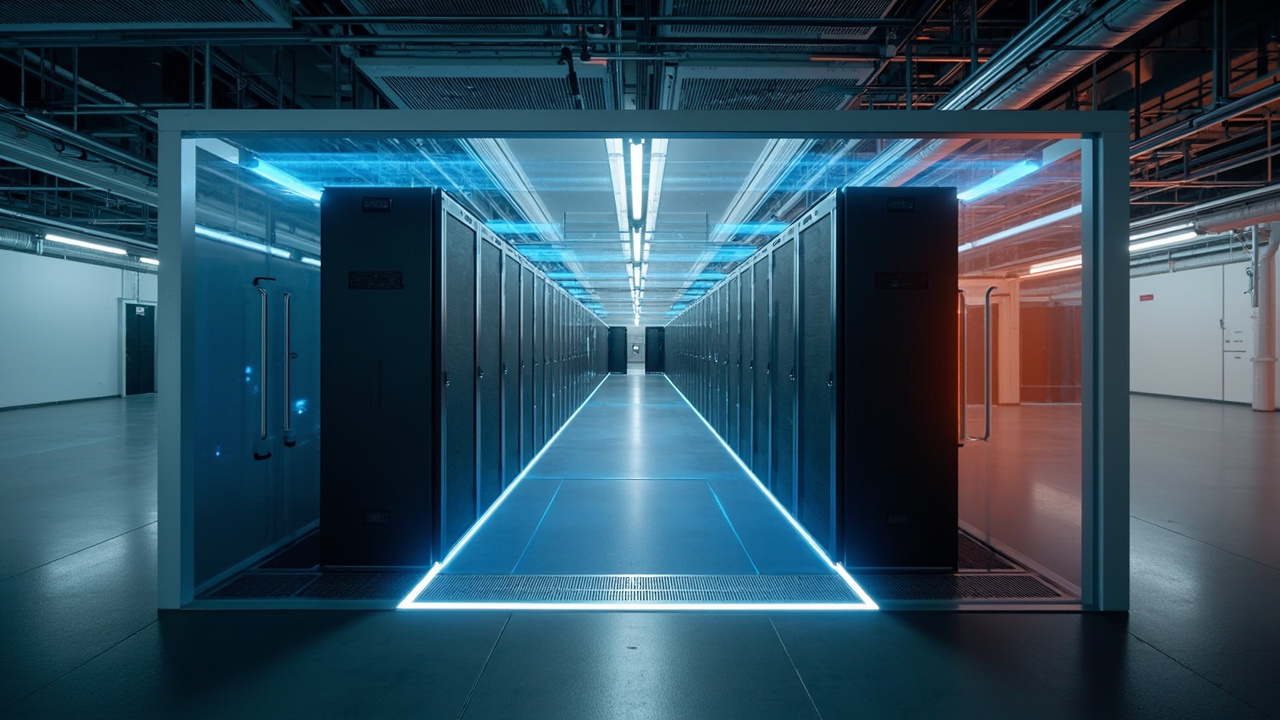
The decision between perimeter CRAC (Computer Room Air Conditioning, precision air conditioning units mounted against exterior walls) and in-row cooling (precision units placed between server racks) defines how much power you can fit in your room without triggering throttling, what it costs to operate the system, and how long each maintenance cycle takes. In data centers built 8-12 years ago at 5-8 kW per rack, that sizing becomes obsolete once average density rises to 12-15 kW and hotspots reach 25-30 kW.
This article describes the five operational signals that your perimeter system is exhausted, when it makes sense to stay with that topology, and what changes operationally when you migrate to in-row. The central idea is that not every migration pays off: there are densities and cases where a well-tuned perimeter CRAC remains the most efficient option.
How each topology works and why it matters
Both systems solve the same physical problem: extracting heat from the air leaving the racks and returning it to the inlet side at 18-25°C (64-77°F). What changes is where the unit performing that exchange is located and how air moves through the room.
In a perimeter CRAC setup, the units mount against exterior walls and blow cold air toward the center of the room, where a cold aisle forms. Hot air returns through the upper section or through the hot aisle back to the CRAC returns. The advantage is that the units sit outside the rack space and consume no compute footprint. The drawback is that air travels long distances and mixes, reducing efficiency as density rises.
In in-row cooling, the units are installed between the racks, aligned with the cabinets, and absorb hot air from the rear door of the nearest rack, returning cold air through the front door. The distance air travels drops to 1-2 meters instead of the 8-15 meters seen with perimeter setups. This supports 25-40 kW per rack at the same supply-air temperature, because mixing of hot and cold streams practically disappears.
Perimeter CRAC vs. in-row cooling: side-by-side comparison
The following table summarizes the operational differences for a mid-sized data center in Mexico, considering typical ambient conditions (20-30°C / 68-86°F outdoor, 30-60% relative humidity) and mixed compute load:
| Characteristic | Perimeter CRAC | In-row cooling |
|---|---|---|
| Maximum density per rack | 8-15 kW | 25-40 kW |
| Air travel distance | 8-15 m | 1-2 m |
| Useful floor area occupied | 0 m² (against the wall) | 0.6-1.2 m² per unit |
| Mean time between failures (MTBF) | 8-10 years | 6-8 years |
| Initial cost per kW of cooling | lower | higher |
| System electrical consumption | higher at high density | lower at high density |
| Operation in failure mode | more tolerant | more sensitive |
The five signs your perimeter CRAC has reached its limit
Five operational symptoms, measurable with data your BMS (Building Management System) or DCIM (Data Center Infrastructure Management) platform already collects, indicate that the perimeter system is exhausted and migrating to in-row pays off within 18 months:
- Rack-to-rack temperature differential above 12°C (54°F): cold air reaches the farthest rack 12°C warmer than the closest one. Excessive mixing of cold and hot streams anticipates hotspots.
- Recurring hotspots the system cannot resolve: the BMS marks hot points (>30°C / 86°F at the rack inlet) that do not clear when CRAC setpoints are adjusted. This signals that the cold air mass no longer arrives at the required flow rate.
- Relative humidity outside the ASHRAE range: humidity drops below 20% or rises above 55% in some part of the room. Perimeter systems lose fine-grained control as load rises.
- Growing cooling system consumption: the cooling system’s thermal kW grows quarter over quarter even though the IT load is stable. This points to inefficiency from longer compressor run-time.
- Inability to add a high-density rack: there is no way to install a new 15-20 kW rack without tripping alarms on the current system. This is the clearest signal that the topology has run out of room.
When staying with perimeter cooling still makes sense
Not every rising density demands a migration. There are three scenarios where a well-tuned perimeter CRAC remains the best option:
If average density stays below 10 kW per rack and peaks do not exceed 15 kW, the perimeter system can deliver 3-5 more years of service without major investment, provided it receives annual maintenance (coil cleaning, sensor calibration, belt inspection). In these cases, migrating to in-row would be CAPEX with no clear payback.
If the growth projection is flat (no high-density racks will be added in the next 24 months) and the current system passes the five symptoms listed above, a selective modernization (coil replacement, controls upgrade, hot-aisle containment) can extend useful life by 5 more years at 30-40% of the cost of an in-row migration.
If the room has severe physical constraints for placing units between racks (low raised-floor height, structural columns in the middle of the grid, or cabinets with no side clearance), migration may be unfeasible without major civil work. In that case, reinforcing the perimeter with higher-capacity units or redistributing the load may be the only realistic path.
What changes operationally when you migrate to in-row
Migrating to in-row is not only swapping units: it is reorganizing the room. Five concrete operational changes distinguish a well-implemented in-row data center from one that simply changed the units:
Hot-aisle containment becomes mandatory. In-row units extract air from the rack’s rear door, which requires the hot aisle to be physically separated from the cold side. Without containment, performance drops back to conventional perimeter levels and the investment is wasted.
Distributed redundancy replaces centralized redundancy. Before, a perimeter unit failed and an entire zone lost cooling. With in-row, each row has its own unit, but a single failure only affects 6-10 racks. The redundancy plan shifts from room-level N+1 to row-level N+1.
Sensors on every rack, not just in the room. Fine-grained per-rack telemetry (inlet temperature, outlet temperature, airflow, fan power) becomes non-optional. Without these metrics, diagnosing a hotspot between racks turns into guesswork.
24/7 BMS/DCIM operation. The in-row system responds faster to load variations but demands an active BMS with configured alarms. A data center where the BMS is checked once a day is not ready for in-row.
More frequent preventive maintenance. In-row units have a lower MTBF (6-8 years vs. 8-10 for perimeter), driven by harder-working fans and filters. The maintenance plan must shift from annual to semi-annual for critical components.
Common migration mistakes
Three mistakes account for most migrations that fail to deliver the expected performance:
Skipping hot-aisle containment. Installing in-row units without separating the hot aisle from the cold side is throwing the investment away. Thermodynamic efficiency collapses and the rack-to-rack temperature differential returns to perimeter levels.
Undersizing the electrical capacity for the new units. In-row units typically have dual power feeds and require dedicated circuits per unit. If the electrical raceway was not planned, the units end up fed with temporary extensions that violate code and put availability at risk.
Not updating the BMS. Migrating to in-row requires reconfiguring the BMS with the new telemetry points, the new per-row alarms, and the new control rules. Performing the physical migration without updating the control system leaves the migration half-done.
Sources
[1] ASHRAE — Technical Resources (TC 9.9 data center guidance) — https://www.ashrae.org/technical-resources
[2] Uptime Institute — Research and reports — https://uptimeinstitute.com/resources/research-and-reports/
[3] TIA-942-C — Telecommunications Infrastructure for Data Centers — https://tiaonline.org/product/tia-942-c/
[4] Stulz — Precision air conditioning product family — https://www.stulz.de/en/products/
[5] Wikipedia — Data center (background reference) — https://en.wikipedia.org/wiki/Data_center
Want to master this?
Noxtel Academy →