Office air conditioning is destroying your equipment (relative humidity, sensible vs latent heat) — and what silence really costs
Office air conditioning in a server room is the #1 cause of silent electronic damage in SMBs. It does not fail all at once — it degrades components for 6-18 months until something fails visibly. The damage comes from low relative humidity (<25%) that commercial air conditioning generates by drying the air more than necessary for your comfort. This article explains the physical phenomenon (sensible vs latent heat), the 3 symptoms that appear before major damage, and the solution when you are already in trouble.
The phenomenon applies to any room with a mini-split or comfort cooling used for servers. If you already have precision air conditioning, this analysis will serve you as a technical reference.
What is sensible vs latent heat (no jargon)
To understand why office air conditioning damages servers, you have to understand two types of heat:
- Sensible heat: the heat you can measure with a thermometer. If air goes from 22°C (72°F) to 30°C (86°F), you are adding sensible heat. It is the heat that raises temperature.
- Latent heat: the heat hidden in water. To evaporate 1 liter of water you need 540 kcal. That heat does not raise temperature, it hides in water vapor. When vapor condenses, it releases that heat.
The two types of heat coexist in any space. An air conditioning system extracts both. The key difference: how much of each it extracts.
Air has a humidity-holding capacity according to its temperature. Warm air contains more humidity than cold air. When the AC cools the air, relative humidity rises (the amount of water vapor is the same, but cold air capacity is lower). If humidity reaches 100% (saturation), water condenses as dew. The AC takes advantage of this to dehumidify: the cold coil condenses air humidity, water drains.
Here comes the problem. Office AC is designed for people, who generate 60% sensible heat + 40% latent heat (sweat, breathing). The system extracts both proportionally. But servers emit 99% sensible heat + 1% latent heat. The system extracts too much latent heat, drying the air below the healthy range.
Why office AC dries the air too much
The operating mechanism:
- Office AC is calibrated to maintain 22-26°C (72-79°F) and comfort humidity (typically 40-60% relative humidity).
- Servers generate heat without humidity. Temperature rises faster than with people.
- The thermostat detects high temperature and makes the compressor work harder to cool. The coil gets colder, condenses more humidity.
- The result: correct temperature but relative humidity falling to 15-25% persistently.
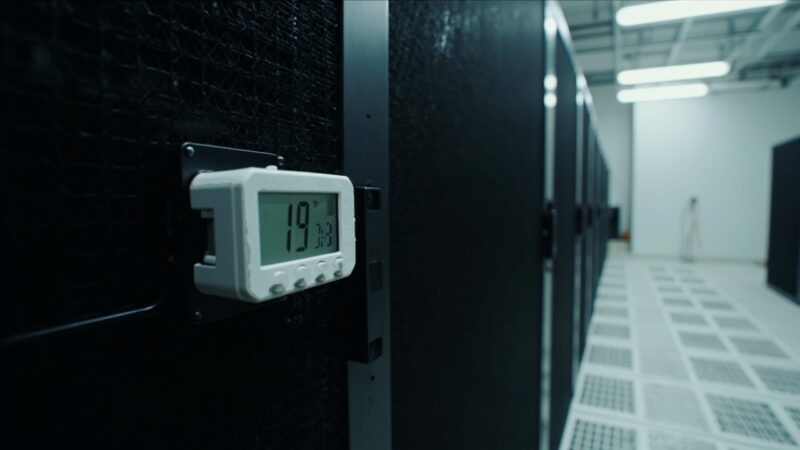
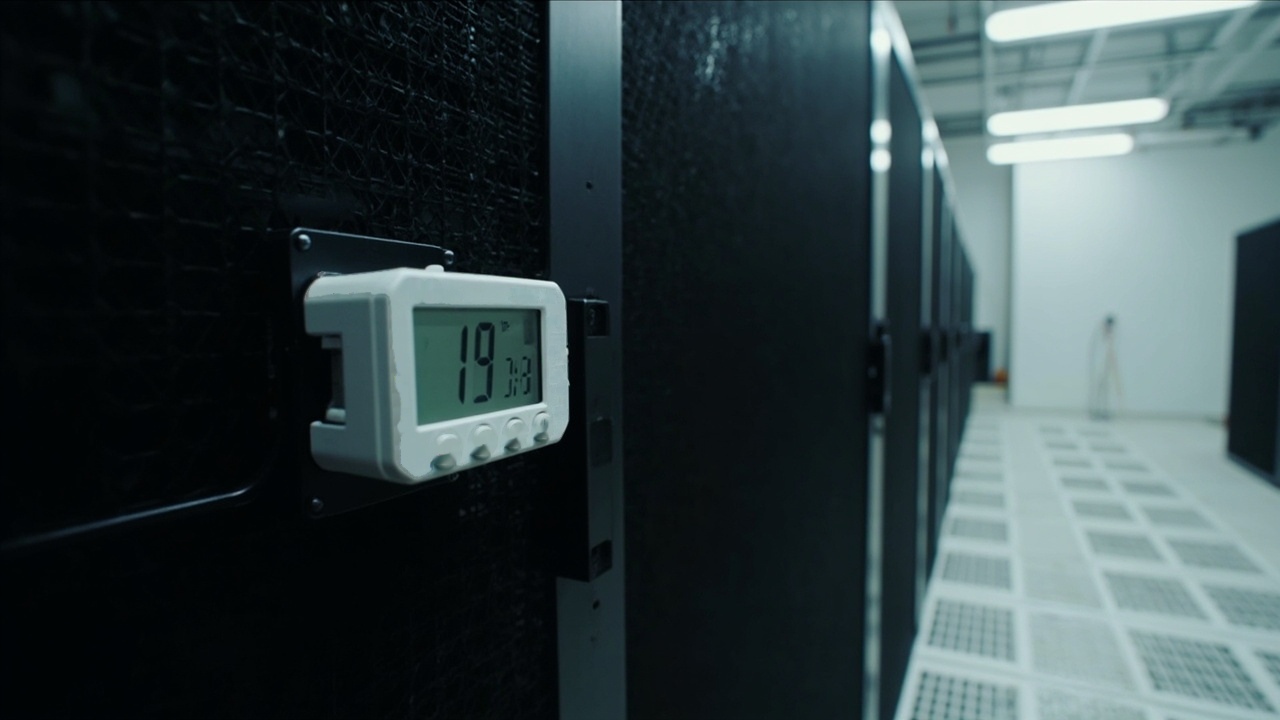
The operator sees 22°C (72°F) on the display and assumes everything is OK. He does not measure humidity. The servers are operating in desert air (15-25% RH).
What is ESD and why dry air causes it
ESD = Electrostatic Discharge = electrostatic discharge. The phenomenon:
- In air with humidity below 30%, surfaces and people accumulate electrostatic charge easily. The charge does not dissipate because dry air does not conduct it.
- When a person touches a metal component (rack, server), the charge discharges instantly. Typical voltage: 1,000-10,000 V.
- The operator feels a small shock but harmless for humans. For electronic components, 100 V is already enough to damage.
- The damage is not immediate; the component keeps working until it fails weeks later. Diagnosis: unexplained premature failure.
Air with humidity above 40% conducts charge slowly. Accumulation does not reach dangerous levels. ESD is prevented with sufficient humidity.
ASHRAE TC 9.9 recommends minimum 40% humidity in data center. Below 25%, ESD risk is high. Below 15%, it is critical (cumulative damage is certain).
The 3 symptoms that appear before major damage
Visible symptoms that appear 1-6 months after operating with office AC:
- Operator receives a shock when touching racks or servers. The discharge is an unequivocal symptom. If the operator feels the shock, the problem is already causing ESD to components.
- Server status LEDs blink or show erratic errors. Interface components with the operator (USB, HDMI, serial) are the most affected.
- Components fail without visible explanation. Hard drives with corrupt sectors, burned power supplies, motherboards with swollen capacitors. The pattern: different components failing at different times.
If you see any of the 3 symptoms in a room with office AC, the problem IS the AC. Quick fix: humidifier. Correct fix: precision AC.
The invisible damage: components that do not fail but are degraded
The most insidious damage is the one that does not appear in logs:
- Memory chips (RAM) accumulate ESD damage. The damage is not immediate but reduces chip life. Typical failure: 2-3 years instead of the expected 8-10 years.
- Electrolytic capacitors dry out prematurely with very dry air. The internal electrolyte evaporates, the capacitor loses capacity, the component fails.
- Metal connectors develop ESD corrosion. The conductive surface degrades, intermittent connections appear months later.
The invisible damage is the most expensive because it is not detected until the equipment fails. When it fails, it is replacement time, not repair time.
How to measure humidity in your room
To confirm you have a problem:
- Calibrated digital hygrometer. Cost: $300-1,500 MXN. Available at electronics stores or Amazon. Measures relative humidity and temperature.
- Placement: at server height, NOT on the ceiling (warm air rises and humidity is different).
- Continuous measurement for 1 week. Humidity varies during the day (lower when the AC works harder). Note the minimum daily reading.
- If the minimum reading is below 35% persistently, there is a problem. If below 20%, critical problem.
The hygrometer investment is minimal ($500 MXN) and gives you objective confirmation of the problem. Without measurement, it is speculation.
Quick fix: supplementary humidifier
If you have office AC and cannot change it immediately:
- Industrial humidifier of 1-3 kg/hour capacity. Cost: $30,000-80,000 MXN depending on capacity.
- Suitable capacity for a 20-50 m² room: 2-4 kg/hour humidifier. Typical cost: $40,000-60,000 MXN.
- Connect to drain or manual fill tank. Operator checks level every 2-3 days.
- With a hygrostats, the humidifier activates only when humidity drops below 40%.
This solution is a temporary patch. It solves the symptom (low humidity) but not the root cause (inadequate AC). 12-24 month plan: replace with precision AC.
Correct fix: precision AC
The definitive solution is precision AC:
- Investment: $150,000-300,000 MXN depending on capacity.
- Maintains humidity in ASHRAE 40-55% range automatically, without supplementary humidifier.
- 12-15 year lifespan vs 5-8 years of office AC. Lower annualized cost.
- Integrated monitoring (SNMP/BACnet) for integration with your DCIM system.
Precision AC pays for itself in 3-5 years just by avoiding premature server replacement. It is investment, not expense.
The operator’s mistake: temperature is fine, everything OK
The #1 error I see in DCs:
- Operator logs 22°C temperature, everything OK in the logbook. Temperature is OK but humidity is 15% and nobody verifies it.
- 3-6 months later: components fail. The report says premature failure, without a clear cause. Nobody connects the dots with humidity.
The solution is a logbook with humidity measurement, not just temperature. The operator who measures humidity detects the problem 6 months before damage appears.
Operator training: include humidity in the required measurements list. Without training, the operator measures what he knows, not what matters.
Why office AC does work in some offices
It is important to understand why in an office it does not cause the same damage:
- People generate humidity through breathing and perspiration. The sensible/latent heat balance approaches the 60/40 the AC is calibrated for.
- People come and go, open windows, generate air movement. The environment is not closed like a server room.
- Office electronic equipment is tolerant (laptops, printers). They do not have the sensitivity of 24/7 servers in closed racks.
In a server room, conditions are different: closed environment, 100% sensible heat, 100% sensible equipment. Office AC is not calibrated for this scenario.
Real case: room with 15 servers, 18 months of accumulated damage
SMB client 2023. Room with 1 mini-split of 12,000 BTU. 15 Dell PowerEdge servers. 18 months later, damage:
- 5 burned power supplies. Provider diagnosis: premature failure, out of warranty.
- 3 hard drives with ESD-reassigned sectors. Data with minor errors that fortunately were duplicated.
- 2 motherboards with visibly dry and blown capacitors.
Specialist diagnosis we measured humidity and temperature: relative humidity 14-22% persistently. Dew point -15°C (5°F), below ASHRAE minimum.
Incident cost: $250,000 MXN in replacements + 8 hours of unavailability during replacements. Cost of the precision AC they would have needed: $180,000 MXN. The perceived mini-split savings was $170,000 MXN. The real cost was $250,000 MXN in damage + unavailability.
After the incident, they installed precision AC + backup humidifier. Humidity stabilized at 45-50%. Zero equipment failures in the following 24 months.
When damage is already irreversible
ESD and low humidity damage is cumulative. There is a threshold:
- 0-3 months with low humidity: minor damage, generally invisible. Equipment keeps working normally.
- 3-6 months: incipient damage. Blinking LEDs, erratic errors, first components failing.
- 6-12 months: accumulated damage. Components failing regularly. The operator starts to notice the pattern.
- 12-18 months: critical damage. Multiple components fail in close times. The room is in silent crisis mode.
After 18 months, replacing the AC no longer solves the problem; components are degraded. Replacement by precision AC + complete equipment review + preventive replacement of at-risk components.
Recovery cost after 18 months: $300,000-500,000 MXN in replacements + operating time. Vs $180,000 MXN of preventive precision AC.
Action plan for your room
If you suspect a problem with office AC:
- Step 1: buy a calibrated hygrometer. $500 MXN. Confirm real humidity in the room.
- Step 2: measure humidity for 1 week. Note daily minimum. If below 30%, problem confirmed.
- Step 3: install immediate supplementary humidifier. $50,000 MXN. Temporary solution.
- Step 4: plan precision AC replacement in 12-18 months. $180,000 MXN. Permanent solution.
The 4 steps reduce immediate damage risk (humidifier) and ensure a definitive solution in a reasonable timeframe (precision AC). If the CFO wants to do it faster, raise replacement priority.
When you do NOT need to change the AC
There are 3 scenarios where office AC is sufficient:
- Server room under 3 racks with low-value equipment. Damage risk is low and precision AC cost is not justified.
- Room with humidifier and continuous humidity monitoring. If humidity stays at 40-55%, office AC is acceptable.
- Short-duration operation (under 12 months before migrating to enterprise DC). Office AC is valid as a temporary patch.
Outside these 3 scenarios, office AC is a gamble. The risk vs cost calculation is already done above. The decision is the CFO’s.
Sources
- ASHRAE TC 9.9 — 5th edition: Thermal Guidelines for Data Processing Environments — https://ashrae.org/technical-resources/ai-data-center-framework/energy-and-thermal-efficiency
- AHRI Standard 540 — Performance Rating of Computer Room Air Conditioners — https://www.ahrinet.org/standards
- TIA-942-B-2023 — Section 5.3: HVAC and Precision Cooling — https://tiaonline.org/products-and-services/tia942certification/ansi-tia-942-standard
- ANSI/ESD S20.20 — Protection of Electrical and Electronic Parts, Assemblies and Equipment — https://www.esda.org/standards
- BICSI 002-2024 — Data Center Design: Precision Cooling vs Comfort Cooling — https://bicsi.org/standards/bicsi-standards/standardization/data-center
Want to master this?
Noxtel Academy →