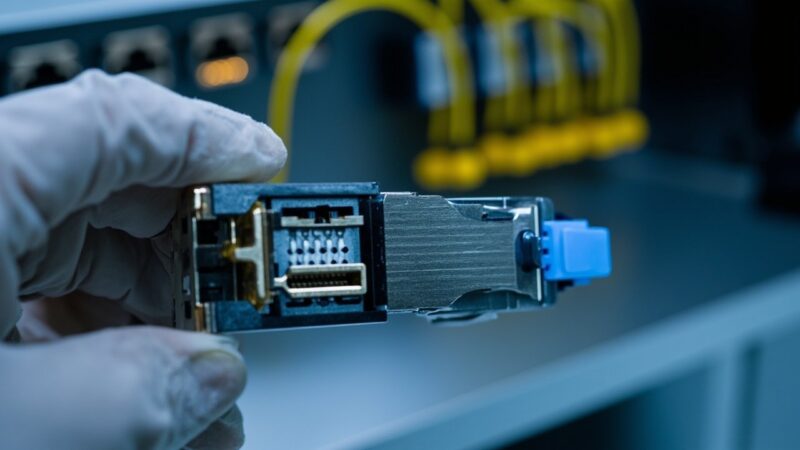
What is a patch panel and why your rack looks clean without one
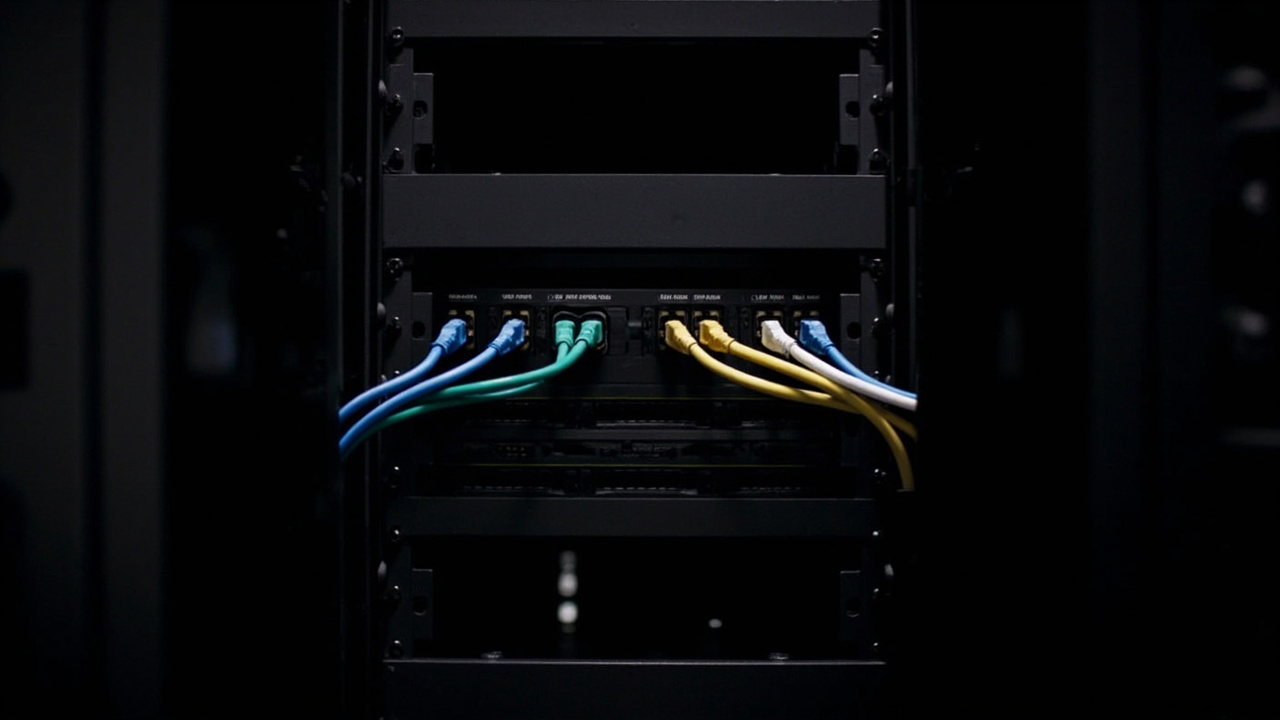
Your 42U rack has three stacked switches, a 3 kVA UPS, a vertical PDU, and 14 meters of Cat6 cable bundled with zip ties like necktie knots. Behind that mess operates a complete data center, with the same availability as a casino: it depends on luck, not design. The difference between that rack and a clean one is called, in its simplest form, a patch panel.
A patch panel is a passive panel with numbered ports (RJ45 for copper, LC/SC/MPO for fiber) that serves as an orderly termination point for horizontal cabling. It has no electronics, processes no packets, and requires no power. Its job is structural: it receives the cables coming from work-area outlets and leaves them ready to connect to switches or other active equipment via a short patch cord.
The ANSI/TIA-942-C standard defines five functional areas in any data center: Entrance Room, Main Distribution Area (MDA), Horizontal Distribution Area (HDA), Equipment Distribution Area (EDA), and optionally a Zone Distribution Area (ZDA). The patch panel lives primarily in the MDA and the HDA. It is the point where horizontal cabling ends and equipment cabling (patch cord) begins.
What a patch panel actually does (beyond visual order)
The patch panel solves four operational problems that appear by day 30 of any rack without one:
- Connection changes without re-cabling. When a user moves offices or a port is reassigned, you only move the patch cord on the switch side. The horizontal cable, which runs inside the ceiling or the raised floor, is not touched. Without a patch panel, every change means opening the ceiling, pulling new cable, and re-terminating connectors.
- Traceable documentation. Every patch panel port has a label that corresponds to a work-area outlet port. When the user calls “my network is down,” the question reduces to: which patch panel port feeds that outlet? Without a patch panel, the question becomes: where does this cable come from and where does it go?
- Isolation between permanent cabling and active equipment. Horizontal cables (those running behind walls or above the ceiling) should remain fixed and untouched. Every opening of a terminated connector degrades the contact. The patch panel is the manipulation point; the rest of the cabling stays put.
- Change time measured in minutes, not hours. A well-documented patch panel change takes between 2 and 5 minutes. The same change without a patch panel takes 1 to 3 hours, plus a non-trivial probability of damaging an adjacent cable or losing the termination.
Patch panel types by media
The patch panel is not a single product. It is a category that adapts to the physical medium and cable class:
- Cat6 / Cat6A copper patch panel. The most common. 24 ports in 1U or 48 ports in 2U. Supports 1 GbE (Cat6) or 10 GbE (Cat6A) up to 100 meters. Cat6A is the de facto standard today for new data center and office installations because it covers 10 GbE without the distance restrictions of Cat7/Cat8.
- Cat8 copper patch panel. Designed specifically for data centers, supports 25 GbE or 40 GbE over 2,000 MHz. But the distance limitation is the catch: only 30 meters of total channel. That limits it to a single use case: top-of-rack switching, where the patch cord and the horizontal cable together do not exceed that length. For building backbone, Cat8 does not apply.
- LC duplex fiber patch panel. Standard termination for multimode (OM3/OM4) and singlemode (OS2) fiber. Typically 24 or 48 fibers in 1U. Each LC duplex port carries two fibers (TX/RX). This is what you will see in the MDA of any mid-size data center.
- MPO/MTP fiber patch panel. For 40 GbE, 100 GbE, or 400 GbE applications, where each link needs 8 or 16 fibers in parallel. One MPO/MTP port on the panel replaces 4 or 8 LC duplex ports. In spine-leaf architectures with high-speed switches, this is the patch panel that appears in the ToR (Top of Rack) photos.
Patch panel vs. switch: what they look like and what they are not
A patch panel shares the same 1U or 2U physical format as a switch, with RJ45 ports on the front. The confusion is common. The difference is functional, not aesthetic:
The switch receives electrical signals, processes them, forwards them, switches them, generates heat, and requires power. The patch panel is a passive connector: a point-to-point electrical continuity between the panel port and the work-area outlet. It processes nothing. If you cut power to a switch, it stops working; the patch panel could not care less.
In TIA-568 terms, the switch lives in the Equipment Distribution Area (EDA). The patch panel lives in the MDA or HDA. They are two distinct layers of structured cabling architecture: the passive layer (patch panel, horizontal cable, outlet) and the active layer (switch, router, server).
Common mistakes when installing (or not installing) a patch panel
In more than 60% of the small and mid-size racks we review in the field, the patch panel is notably absent. What you find is a cable that comes down from the ceiling, runs along the frame, and plugs directly into the switch. This creates problems that are paid for later:
- Connectors terminated on site. Each cable ends in a male RJ45 connector at the switch end. This degrades the cable (a field termination never matches a factory one) and eliminates the ability to switch ports without re-cabling.
- Cables moved with the switch. When the switch is replaced, every cable has to be disconnected one by one, identified, and re-terminated. With a patch panel, you disconnect the patch cords, pull the switch, slide the new one in, and reconnect the patch cords. Zero re-terminations.
- Channel certification becomes impossible. The ANSI/TIA-568 standard requires the channel (horizontal cable + patch cord + patch panel + patch cord) to be certified with measurement equipment (Fluke DSX, for example). Without a patch panel, there is no certifiable channel: only a direct cable ending in the switch, and certification reduces to the cable itself.
- No viable documentation. If the rack has 30 direct cables to the switch, nobody can reliably say which outlet each port feeds. Documentation becomes archaeology: spreadsheets, last year’s photos, the memory of the technician who left.
When you do NOT need a patch panel
The patch panel is not dogma. There are scenarios where it does not apply:
- A single switch, fewer than 12 ports, and dedicated direct cabling. A home lab or a 6-device closet with short cables gains nothing from a patch panel. The operational complexity does not exist.
- Top-of-rack switching where the patch cord does the job. In some ToR designs, the horizontal cable lands on a small patch panel in the rack, and a 30 cm patch cord connects that panel to the switch sitting above it. This is still a patch panel; what changes is the height (24 ports, 0.5U).
- Backbone cabling between buildings in singlemode. Here the patch panel is typically an ODF (Optical Distribution Frame), not a rack-mount patch panel. Same function (orderly termination and cross-connect), different format.
How to choose one well
Four criteria, in order of importance:
- Cable category. If you are running Cat6A, the patch panel must be Cat6A. If the cable is Cat6 but the panel is Cat6A, you gain nothing (the channel is limited by the lowest-category component). Category always matches upward across components, not downward.
- Density. 24 ports in 1U or 48 ports in 2U. For fiber, 24 LC duplex in 1U is the standard. 48 LC duplex in 1U exists but requires high-density connectors and LC duplex with uniboot clips, which cost more and are more fragile.
- Punch-down system compatibility. Two families exist: 110 punch (legacy, still dominant) and KRONE (more common in Europe). Buying a 110 patch panel when the cables are punched down on KRONE means re-terminating everything. Verify before ordering.
- Brand vs. generic. A Panduit, Leviton, Siemon, or CommScope patch panel costs 3 to 5 times more than a generic one. The difference shows up in actual category compliance (a generic Cat6A may not pass 10 GbE certification at 100 m) and in the durability of the punch-down mechanism. For a production data center, the brand pays for itself.
Implementation recommendation
If your rack has more than 24 active horizontal cables or will grow over the next 24 months, install a patch panel. The investment is marginal compared to the cost of a poorly executed port change: one technician hour, a new cable, a possible service interruption. The patch panel pays for itself the first time you use it.
If your installation is Cat6A or higher and will operate 10 GbE switches or faster, certify the entire channel with a Fluke DSX-5000 or DSX-8000 after installation. The certification delivers a PDF showing each tested port; that PDF is your warranty documentation and the foundation for future troubleshooting.
Sources and references
- ANSI/TIA-942-C — Telecommunications Infrastructure for Data Centers — https://tiaonline.org/standards/
- ANSI/TIA-568.0-E — Generic Telecommunications Cabling for Customer Premises — https://tiaonline.org/standards/
- CommScope — Cat 6A cabling guide for enterprise — https://www.commscope.com/cat-6a/
- Fluke Networks — Data Center Cabling & Connectivity — https://www.flukenetworks.com/expertise/learn-about/data-centers
- FS.com — Comprehensive guide for data center distribution area and cabling connectivity — https://www.fs.com/blog/comprehensive-guide-for-data-center-distribution-area-connectivity-9579.html
Want to master this?
Noxtel Academy →