Remote hands and cybersecurity: 7 attack vectors a provider can open for you
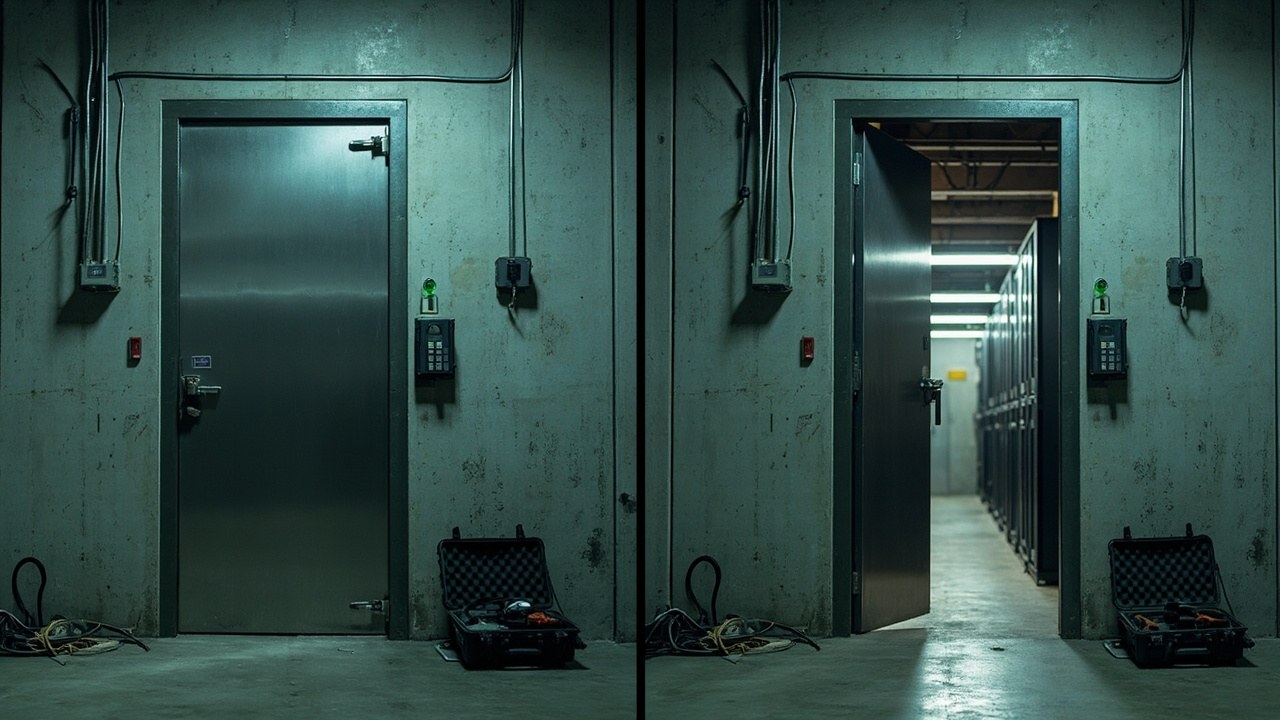
The technician arrives at 11 PM to swap a power supply and leaves 40 minutes later. Nobody knows which rack he touched, what tool he left on the technical floor, or whether he connected something to the management network. That is not a trust failure: it is a control gap.
When a third party enters your data center for maintenance, installation, or warranty work, they become part of your supply chain. And a supply chain is compromised by its weakest link, not by its most visible one.
Why physical access is an IT risk
The 2013 Target attack is still the most cited precedent in the industry: a credential belonging to a vendor with access to the physical network ended up inside one of the largest data breaches in history. The attacker did not bounce off the firewall; they used a path the organization itself had opened and was not monitoring.
In a data center the same pattern shows up under different names. The vendor has a key to the cold room. They know the rack layout. They ask for a VPN on a Friday to “finish the installation”. None of that is an incident, which is why it is almost never logged as one.
The problem is not that your vendor is dishonest. It is that their legitimate access weighs the same as yours inside the network, and nobody measures the difference.
The 7 attack vectors a third party can open
Zero trust applies inside the data hall too
Zero trust is not just a word for networks. The principle is simple: no access is treated as trusted just because it comes from a known network, a known person, or an “expected” schedule.
Translated to your operation: every entry into the data hall is a session with an identity, with a start and end time, and with a declared purpose. The technician who enters the server area does not inherit the permissions of whoever entered before. The management network and the visitor network stay separated from the network that serves your racks.
Segmentation does the rest. If the data hall management network stays separated from the production network and from the visitor network, a compromised device in one zone does not move on its own toward your racks. You do not need a full zero trust architecture to win here: you need the paths between zones not to be open by default.
MFA and credentials that are not inherited
The second front is identity. A second factor on every remote access —and on the physical accesses that depend on a door or a console— reduces the value of a stolen password even when someone has it in hand.
For vendors, the practice that works is simple: their own user account, assigned per person and per job, with validity limited to the work window and with no permissions inherited from your administrator account. When the service ends, the permission is revoked the same day. An account that outlives the contract is an account nobody watches.
The immutable log is your best evidence
Here is the difference between an incident and an anecdote nobody believes. A centralized record, with a timestamp and no deletion permissions for the vendor, turns every access into something verifiable. If your record can be edited as easily as it is queried, it is not a record: it is a note.
Reconcile the log monthly against open work orders. An entry without an approved order, or a closed order without a logged entry, is the anomaly worth investigating.
Where to start
None of these steps requires a months-long project. They require an afternoon and a decision: that a third party’s access be treated the same as your own.
Sources
Verizon. «Data Breach Investigations Report (DBIR)» — https://www.verizon.com/business/resources/reports/dbir/
NIST. «SP 800-207: Zero Trust Architecture» (August 2020) — https://csrc.nist.gov/pubs/sp/800/207/final
MITRE ATT&CK. «T1078 (Valid Accounts) and T1556 (Modify Authentication Process)» — https://attack.mitre.org/techniques/T1078/
CISA. «Guide to Securing Remote Access Software» — https://www.cisa.gov/resources-tools/resources/guide-securing-remote-access-software
CISA. «Bad Practices» (catalog of insecure practices in critical infrastructure) — https://www.cisa.gov/badpractices
Want to master this?
Noxtel Academy →