Physical findings in data centers: the checklist your security provider does not do
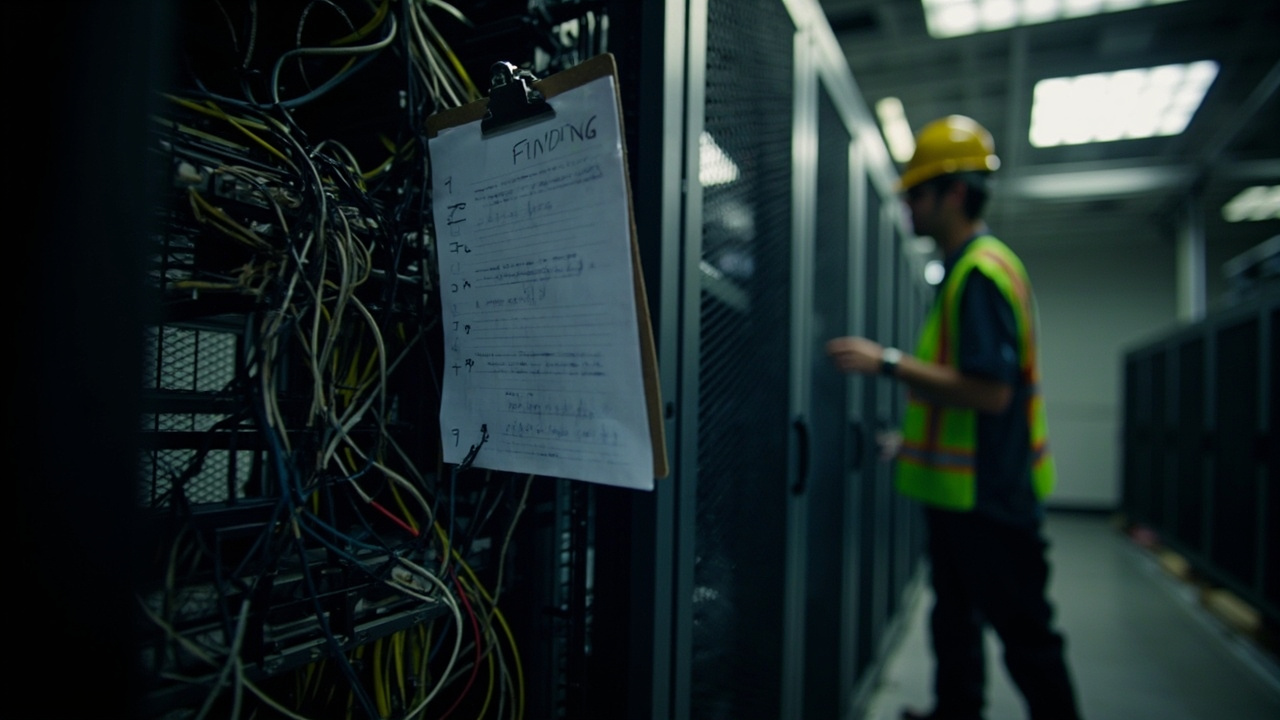
Your private security provider patrols the perimeter, registers accesses, and fills out logbooks. But they rarely raise findings on the blind spots that matter to the DC: access control to the server room, CCTV monitoring of the electrical room, visitor segregation from the operations area, UPS room doors, cabinets without locks.
The physical findings of a data center are different from those of an office. This guide lists what an auditor with experience in critical infrastructure should review — and that the traditional provider omits.
Categories of physical findings in a DC
Physical findings in a data center are grouped into five categories. A security provider with mission-critical experience covers all of them; a generalist provider usually stays with the first two.
Minimum physical checklist for a small/medium DC
Difference between a traditional security provider and a DC-experienced provider
The traditional provider delivers perimeter surveillance, vehicle control, and patrols. Their deliverable is a daily activity report.
? The DC-experienced provider understands that an intruder in the Site Entry Room can disconnect the fiber backbone before the perimeter camera records anything.
A medium-sized DC in 24×7 operation usually has between 20 and 40 open physical findings per audit, concentrated in cabinets without locks and cabling without segregation. Closing them takes between 30 and 90 days of joint work between the security provider, the facility manager, and the infrastructure integrator.
Typical cost of closing physical findings
The investment ranges depend on the DC size and the number of cabinets. Closing a minor physical finding (rack lock, cable segregation) costs between USD 200 and 800. Closing a major one (VESDA installation, clean agent suppression, power/network segregation) costs between USD 5,000 and 25,000 per room.
The return is measured in availability. A door that does not close under access control is an availability risk from sabotage or human error. A functional VESDA detects overheating two hours before the point detector triggers the alarm.
What to deliver to the provider so they cover the full DC
If your current security provider does not handle this list, they probably do not know what they are protecting. Consider replacing them or training them before the next maintenance window.
Sources
[1] TIA-942-C — Telecommunications Infrastructure Standard for Data Centers — https://tiaonline.org/resource/tia-942-c-data-center-infrastructure-standard/
[2] NFPA 75 — Standard for the Fire Protection of Information Technology Equipment — https://www.nfpa.org/codes-and-standards/nfpa-75-standard-development/75
[3] BICSI 002 — Data Center Design and Implementation Best Practices — https://www.bicsi.org/standards/bicsi-standards/about-the-program
Want to master this?
Noxtel Academy →