Biometrics vs card vs PIN: which authentication to use for your data center in 2026
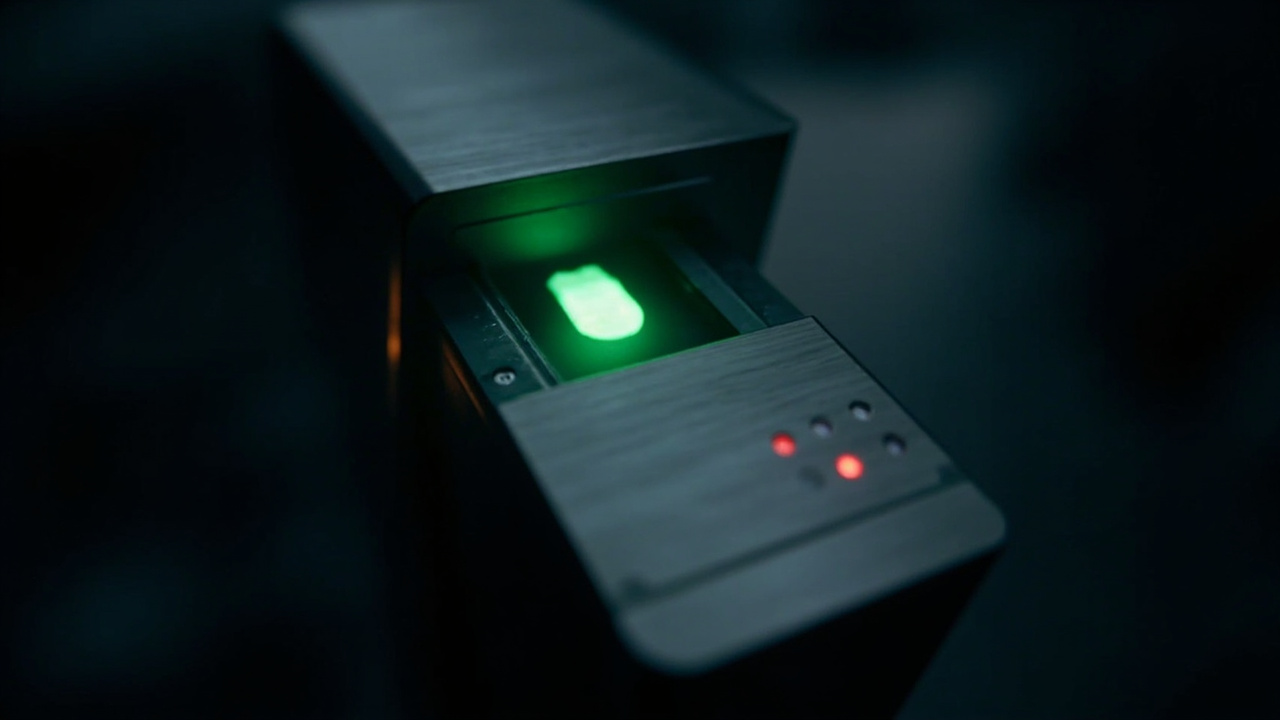
In physical access control for the data center, the choice between biometrics, card, or PIN is no longer a technology preference. It is a decision that connects with data protection regulatory frameworks, operating costs, and end-user experience.
Below is a technical comparison of the three methods, considering real operations — not the manufacturer’s brochure.
Card (RFID / NFC): what you already have but that falls short
It is the most widespread method in existing data centers. The technology is mature, the readers are cheap, and integration with access control systems is straightforward.
The real operational problems are two: cards get lost, get lent out, or get forgotten. And an attacker with physical access to the card can use it without the system knowing whether it is the rightful owner. In an environment where data protection law demands individual traceability, this matters.
PIN: simple but limited
A keypad with a 4-6 digit code is the cheapest option. Implementation takes minutes. But it has structural weaknesses:
- Sharing the code is trivial. In practice, data center codes end up in WhatsApp chats of the shift team.
- The PIN does not identify a person, it identifies knowledge. If the holder changes (dismissal, resignation), the global code must be changed and the team retrained.
- Shoulder-surfing is a real risk. A 4-digit PIN can be guessed by looking over the shoulder.
Biometrics: the option that scales
Current biometrics — fingerprint, facial recognition, iris or vascular reading — offer something the other two do not: identity is tied to the body. The user cannot lose, lend, or forget their fingerprint.
From a data protection regulatory standpoint, biometrics is sensitive personal data. The current regulatory framework requires reinforced protections: template encryption, encrypted transmissions, access control to the template store, and access auditing.
How to choose for your data center
The choice is not “the best technology”, it is “what level of risk you manage”. A reasonable guide:
- PIN only: acceptable only as a second factor combined with card. Not recommended as the sole factor for IT room access.
- Card only: sufficient for low-criticality rooms. Recommend adding a second factor for the IT room and server room.
- Card plus PIN: standard for many operations. Improves traceability because it requires possession and knowledge.
- Card plus biometrics (fingerprint or face): the most robust combination for the server room. The DPO (Data Protection Officer) must validate the handling of biometric data under the current regulatory framework.
If your data center is in an access control upgrade process, consider biometrics as a 5-year investment. What looks premium today will soon be the operational standard of any room that holds personal data.
Sources
[1] NIST — Biometric Standards and Research (testing methodology): https://www.nist.gov/itl/iad/biometric
[2] ISO/IEC — 19795 (Biometric performance testing and reporting): https://www.iso.org/standard/73606.html
[3] HID Global — Physical Access Control for Data Centers (manufacturer reference): https://www.hidglobal.com/solutions/data-centers
[4] Suprema — Biometric Access Control (manufacturer technical resources): https://www.supremainc.com/
[5] Wikipedia — Biometric Authentication (background reference): https://en.wikipedia.org/wiki/Biometrics
Want to master this?
Noxtel Academy →